How to Remove Background Noise from Audio Recordings using AI
Discover how to rescue noisy podcasts, lectures, and interviews using advanced AI noise cancellation directly on your Android phone.

Recording audio on a smartphone is incredibly convenient, but unless you're in a professional soundproof studio, your recordings are likely plagued by background noise. Whether it's the hum of an air conditioner, traffic outside your window, or wind hitting the microphone, unwanted noise can ruin a perfect podcast take, interview, or voice memo.
Fortunately, you don't need expensive desktop software to fix this. In this guide, we'll show you how to use advanced artificial intelligence to completely eliminate background noise from your recordings directly on your Android device.
[!TIP] ⚡ Quick Answer: How to do it? Simple 3-step guide using AI Audio Noise Reducer - Remove Background Noise offline:
- Launch App: Open the application on your Android device.
- Select Files: Choose the photos or documents from your gallery.
- Convert: Adjust settings and tap convert. The process completes locally on your phone to keep your files secure.
📊 Comparison: Local Android App vs. Online Converters
| Feature | BTTC Offline App | Online Web Tools |
|---|---|---|
| Internet Required | No (100% Offline) | Yes (Required) |
| Privacy & Security | Safe (Files stay on device) | Risk (Files uploaded to cloud) |
| Processing Speed | Instant (Device hardware) | Slow (Depends on upload speed) |
| File Size Limit | No Limit | Usually restricted (< 50MB) |
| Batch conversion | Supported for free | Often paid/pro feature |
The Power of AI Noise Cancellation
Traditional noise reduction tools often rely on simple noise gates or EQ filters, which can result in a "robotic" or muffled voice. Modern AI-powered tools, however, use deep learning models that have been trained to distinguish human speech from thousands of different types of background noise.
We will be using the AI Audio Noise Reducer app, which brings desktop-grade AI voice isolation to mobile devices, processing everything 100% offline for complete privacy.
Step-by-Step Guide
1. Get the Right Tool
First, download the AI Audio Noise Reducer - Remove Background Noise app from the Google Play Store. Unlike cloud-based tools, this app runs its neural network directly on your phone's processor.
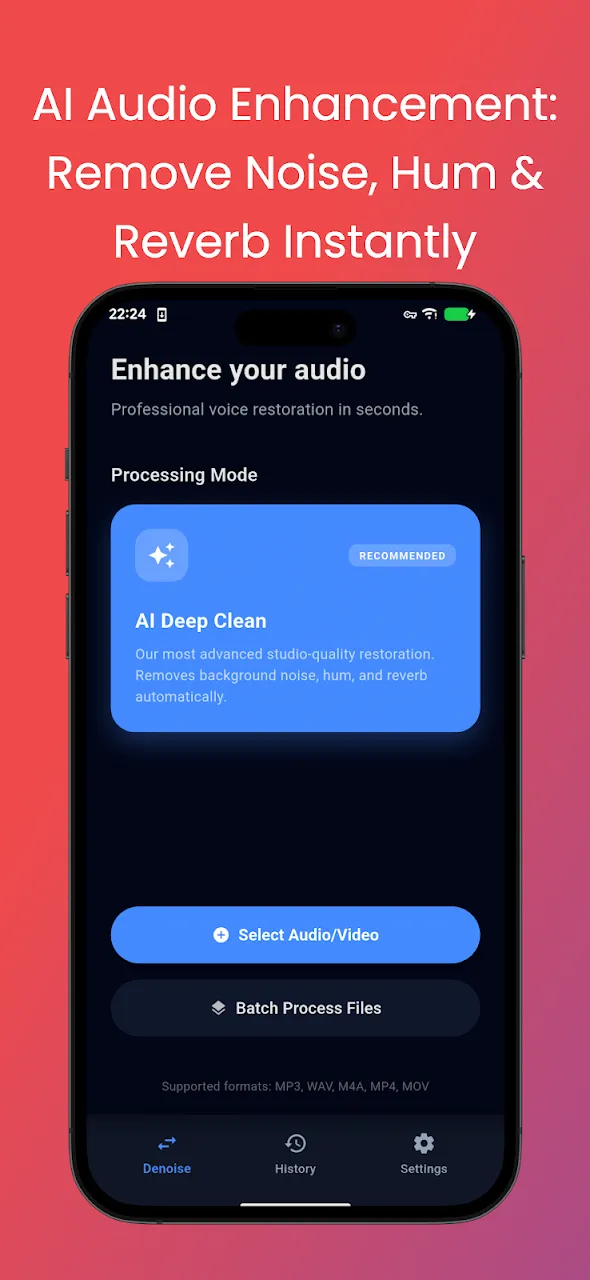
2. Import Your Noisy Audio or Video
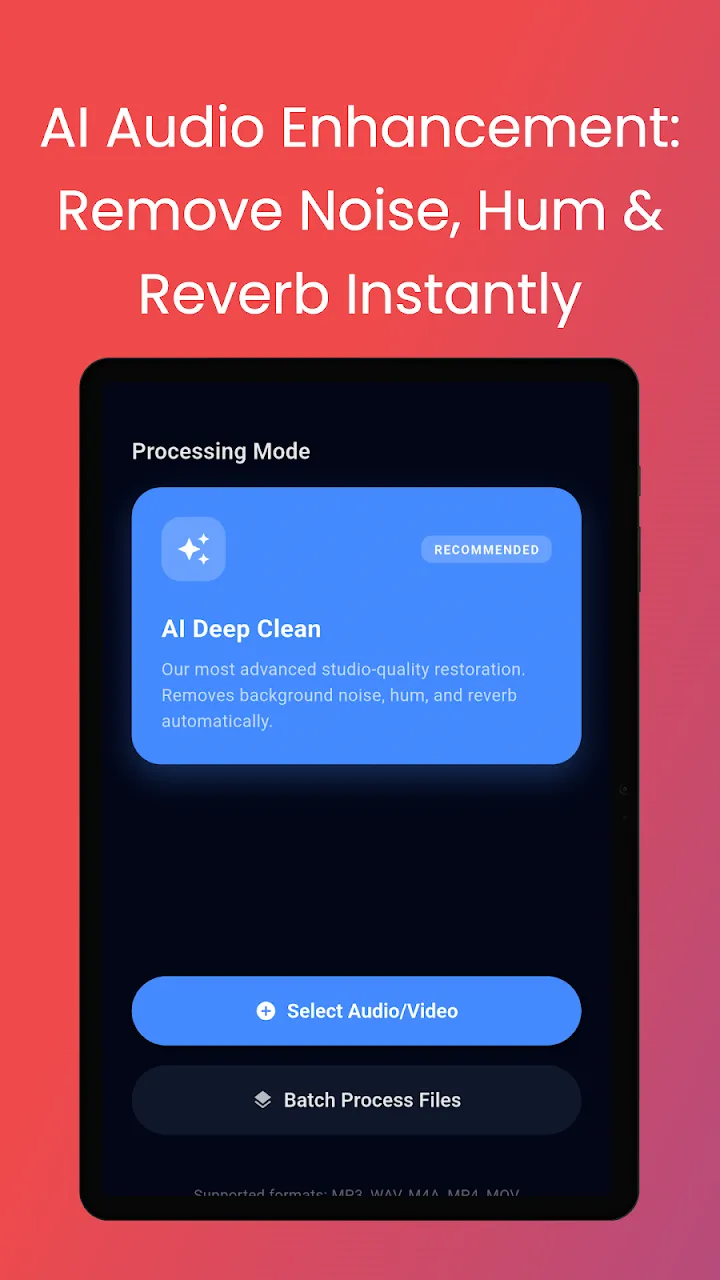
Open the app and select the file you want to clean up. A major advantage of this tool is that it supports both audio files (MP3, WAV, M4A) AND video files (MP4, MKV). If you import a video, the app will extract the audio, clean it, and allow you to export the cleaned audio track.
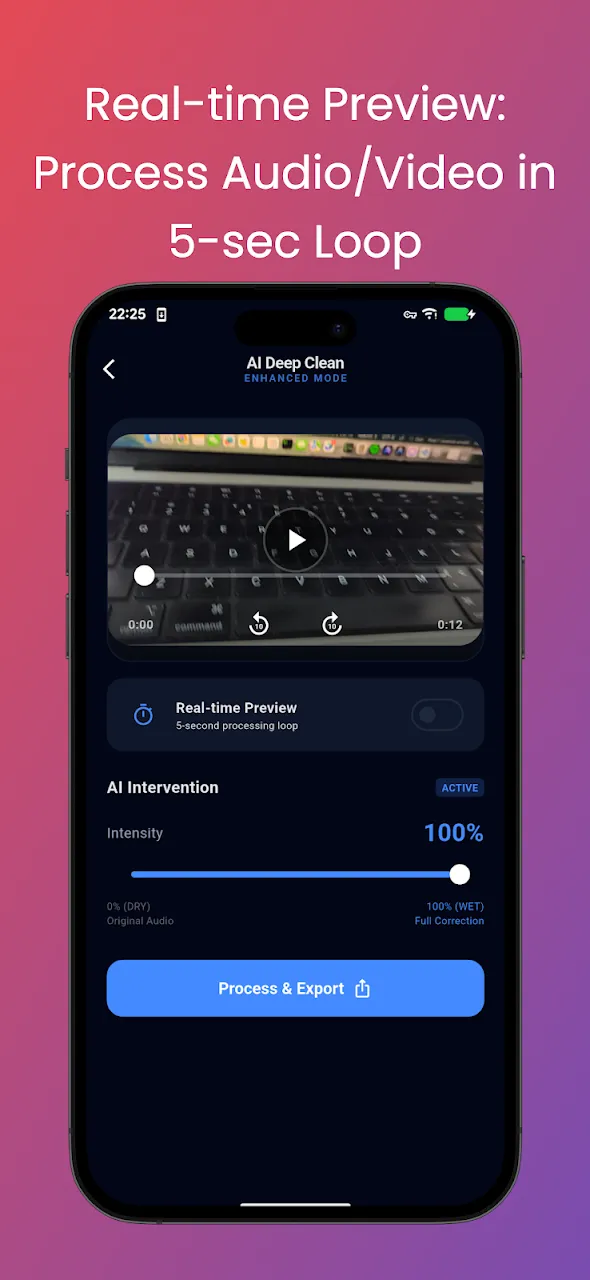
3. Apply AI Noise Reduction
Once your file is loaded, you'll see a visual waveform editor. Here, you can select the intensity of the noise reduction. The AI model will analyze your audio and magically isolate the human voice, stripping away wind, traffic, and static hiss.
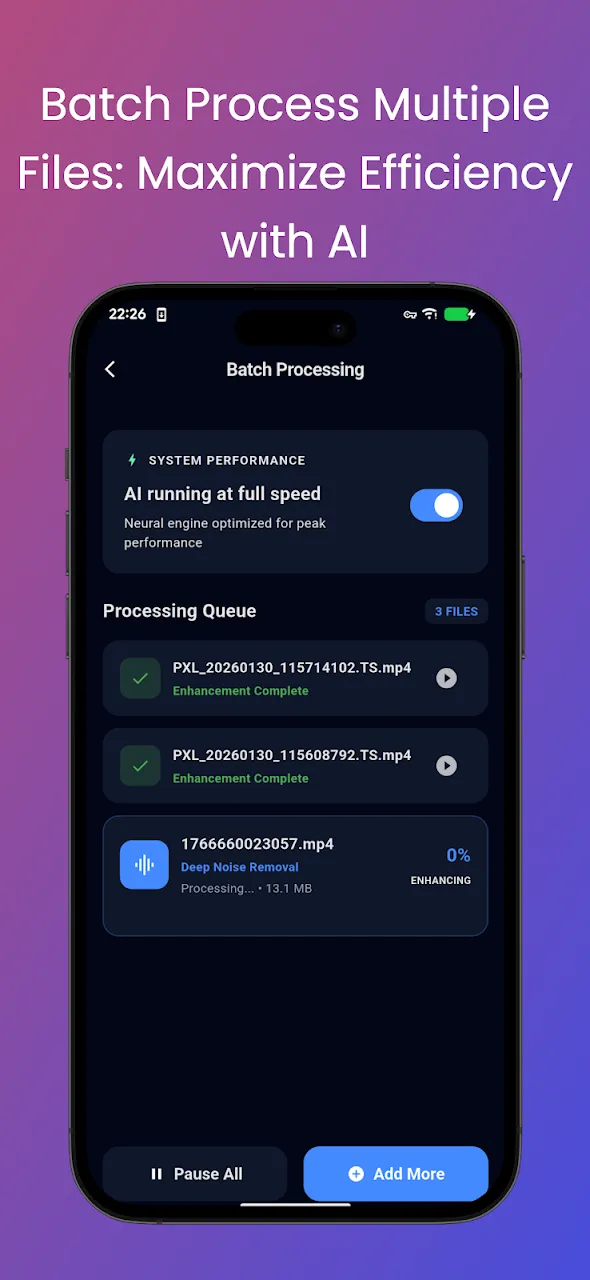
4. Preview the Magic
Before exporting, you can use the built-in player to toggle the noise reduction on and off. This allows you to hear the dramatic difference the AI makes and ensure your voice still sounds natural and crisp.
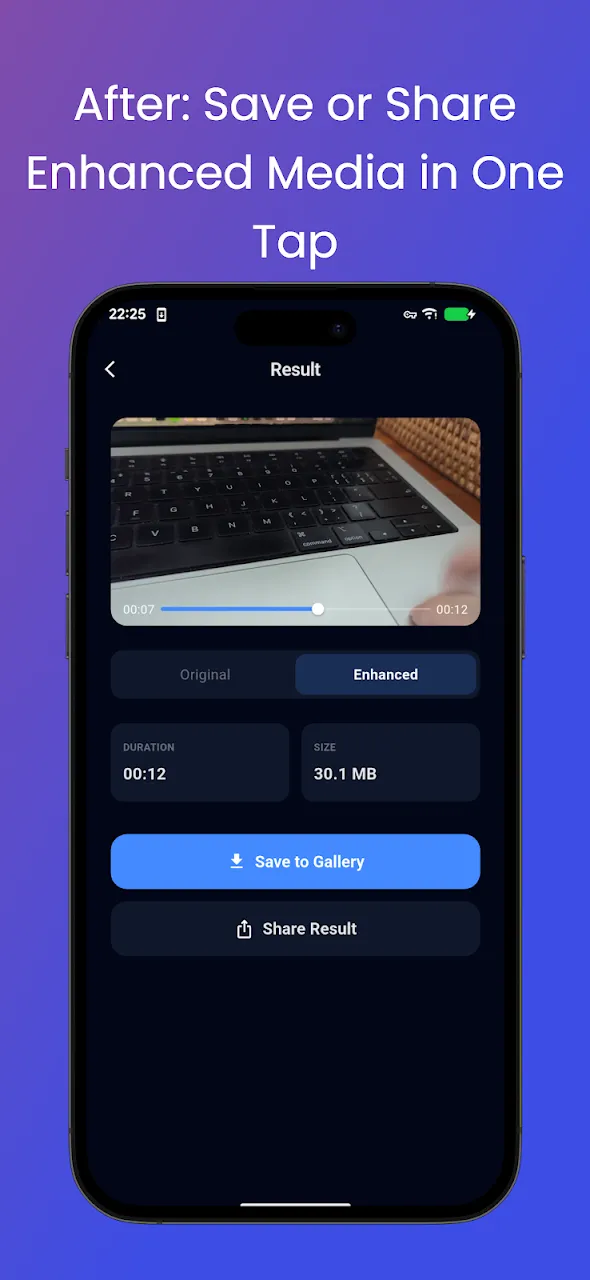
5. Export and Share
Once you're satisfied with the clean, studio-quality sound, tap export. You can choose to save the enhanced audio in various high-quality formats, ready to be used in your podcast, video project, or shared directly with colleagues.
When to Use AI Noise Reduction?
- Podcasting on the Go: Clean up interviews recorded in cafes or busy streets.
- Video Creators: Remove wind noise from vlogs shot outdoors.
- Students and Professionals: Enhance the clarity of recorded lectures or meeting minutes where the speaker is far from the microphone.
Conclusion
You don't need a professional studio to achieve professional sound. With AI-powered apps running directly on your Android device, removing background noise is now just a matter of a few taps. Rescue your noisy recordings today!
📥 Download the App to Start Converting Offline
Ready to try it? Get the official app on the Google Play Store for secure, offline processing.